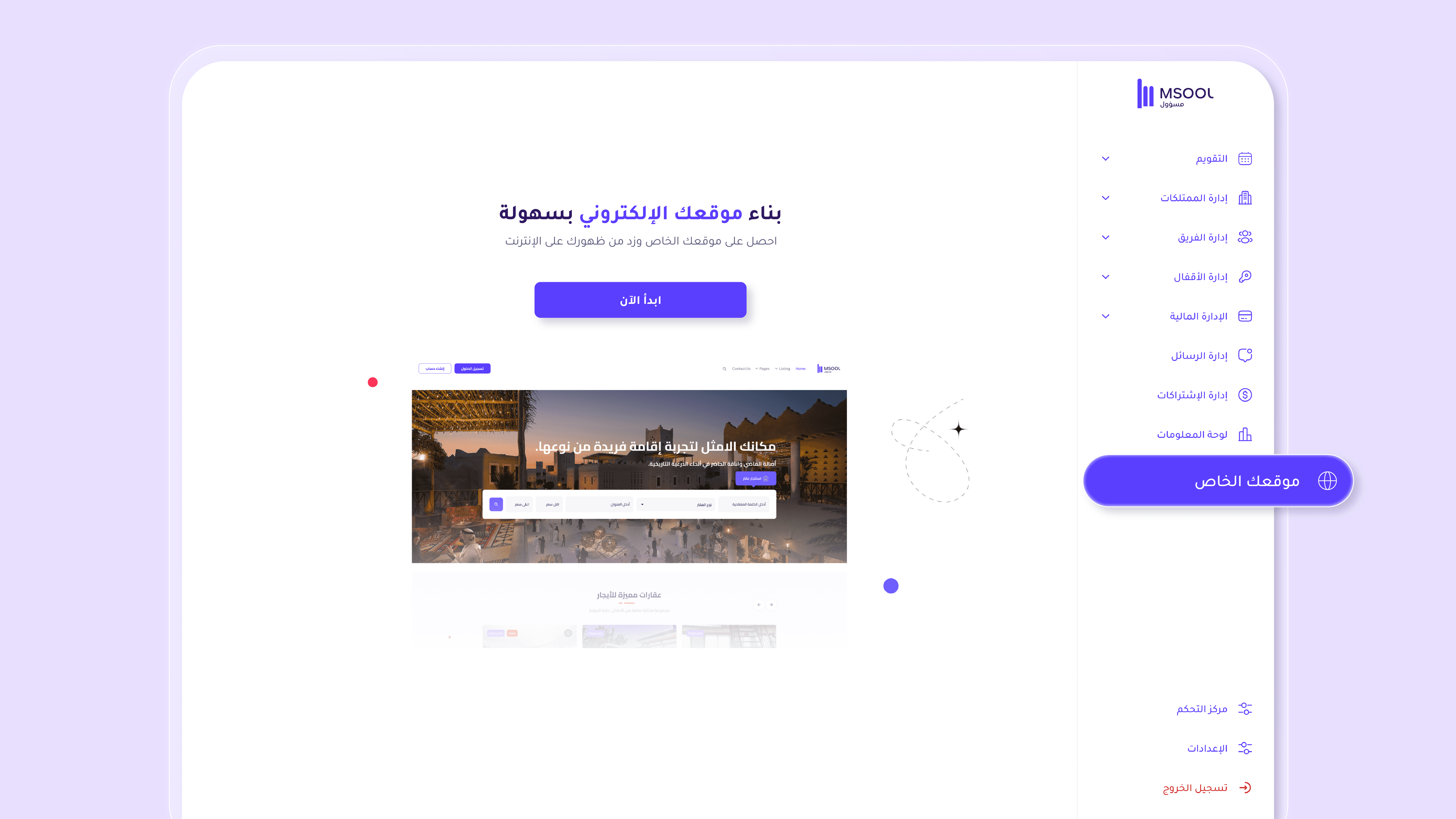
What is the Website Builder?
The Website Builder feature allows you to transform the way you manage and rent your properties into a fully professional experience.
With “Your Website” in Msool, you can create a complete website that showcases all your properties and enables guests to book and pay directly — with no commissions or additional fees.
Everything is included in your subscription, with no hidden costs.
Why Is This Feature Important?
Instead of relying entirely on platforms like Airbnb or Booking,
Your Website gives you full ownership of your direct booking channel.
This means more bookings, lower commissions, and complete control over the guest experience from start to finish.
Key Benefits
1. Direct Bookings with No Commissions
Every booking made through your website is received in full, without deductions from any external platform.
2. Professional Branded Interface
Your website reflects your brand identity — including your logo, colors, and property images — delivering a hospitality experience similar to major brands.
3. Full Integration with Msool
Any booking or update made through your website automatically syncs with connected platforms such as Airbnb, Booking, and Gatherin.
Real-Time Sync ensures there are no booking conflicts or duplications.
4. Easy and Flexible Management
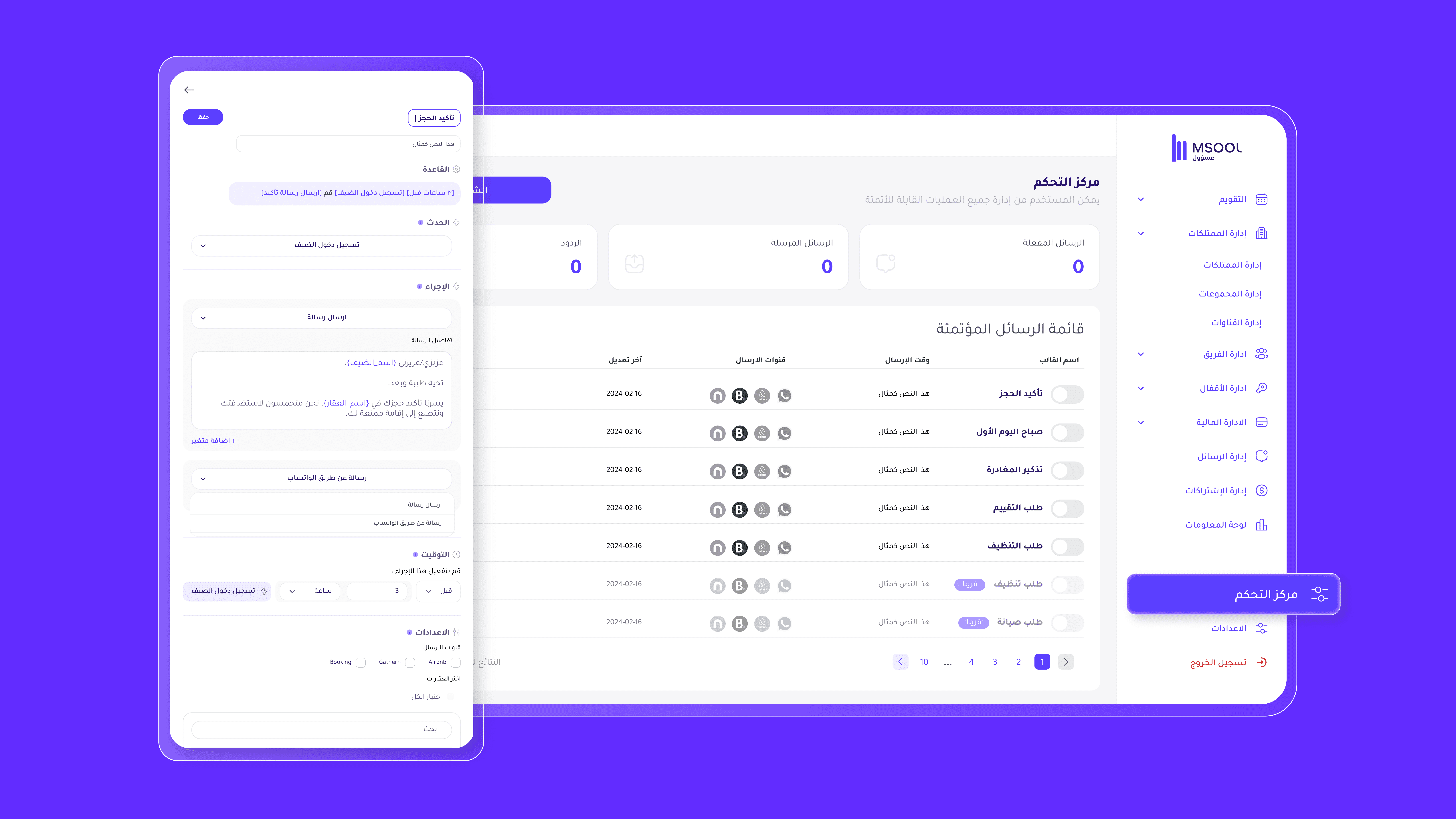
Control your website from a simple dashboard — edit text, images, payment methods, and cancellation policies with ease.
5. Secure and Integrated Online Payments
Accept payments directly from guests using Visa, Apple Pay, and STC Pay through a secure and reliable system.
How It Works
1. Create Your Website
Inside Msool, go to the Your Website tab and click Edit at the top of the page to begin customization.
2. Design and Content
Edit titles and text in both languages.
Add your property images and brand logo.
Connect your social media accounts (Instagram, TikTok, Facebook, X).
Choose website colors that match your brand identity.
3. Manage Properties
From Property Settings, select the units you want to display on your website by enabling the option next to each property.
4. Set Your Domain
Customize your link, for example:
yourname.msool.io
Or contact us to connect your own custom domain, such as:
yourbrand.com
5. Configure Payments
Enable your preferred payment methods from Payment Methods, such as credit card, STC Pay, or Apple Pay, to receive payments instantly upon booking.
6. Publish Your Website
Once everything is ready, click Activate Website from the top left corner.
Your website will go live and start receiving bookings immediately.
In Summary
Your Website is more than just a webpage —
It is your independent booking platform, combining design, security, and smart management.
Full control, direct communication with your guests, and commission-free bookings —
all under one system: Msool.
Previous post: