What is the Welcome Book?
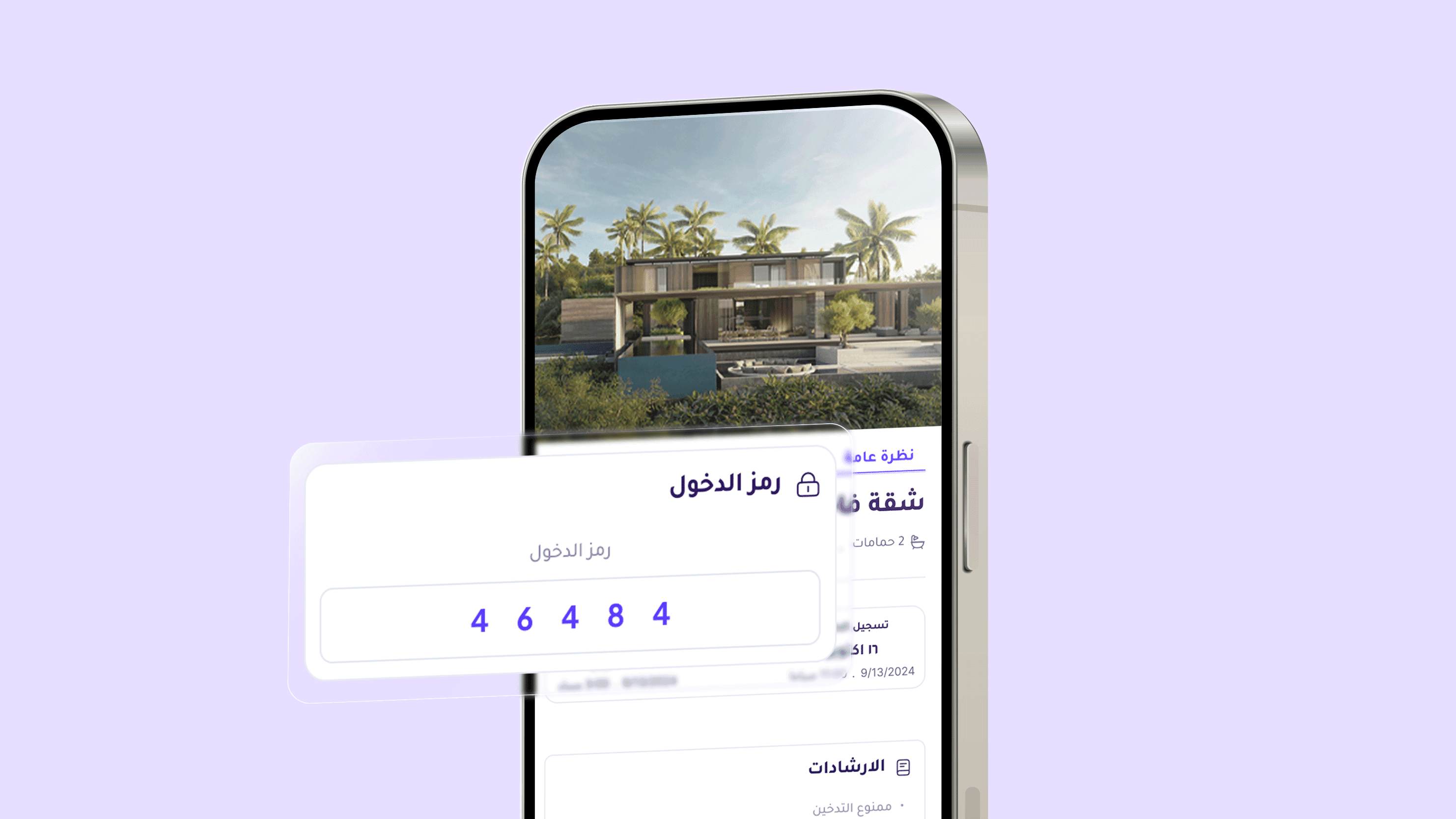
The Welcome Book allows you to create a digital guide that includes all the information your guest needs before and during their stay.
You can set up a welcome message, add important instructions, and link the book to selected properties. A dedicated link will then be sent to the guest with all relevant details in one organized place.
Steps to Create a Welcome Book
From the sidebar in the dashboard, select Welcome Book
Click Create Template to start setting up a new book
A window will appear with step-by-step stages to design the book
Step 1 – Name the Template
Enter a name for the template (e.g., Welcome Book – Riyadh) so you can easily identify it later.
After entering the name, click Start Template Setup to continue.
Step 2 – Welcome Message
Choose the welcome message that will appear when the guest opens the Welcome Book link.
The platform provides several ready-made options, such as:
We are happy to have you here, feel at home
Welcome to your stay, everything is prepared for your comfort
We are delighted to host you and wish you a wonderful experience
Select the message that matches your style and click Next.
Step 3 – Instructions
Add or select the instructions you would like to share with your guest, such as:
No smoking
Smoking allowed in designated areas
Pets allowed
Quiet hours
Cleanliness
Notify upon check-out
After selecting the appropriate instructions, click Next.
Step 4 – Select Properties
Choose the properties or units that will be linked to this Welcome Book.
You can:
Select a specific unit
Or enable All Units to apply the book to all properties
Step 5 – Preview
Before saving, you can preview how the Welcome Book will appear to the guest.
The preview includes:
Title
Welcome message
Instructions
Access details
After reviewing, click Finish to save the template.
Previous post: