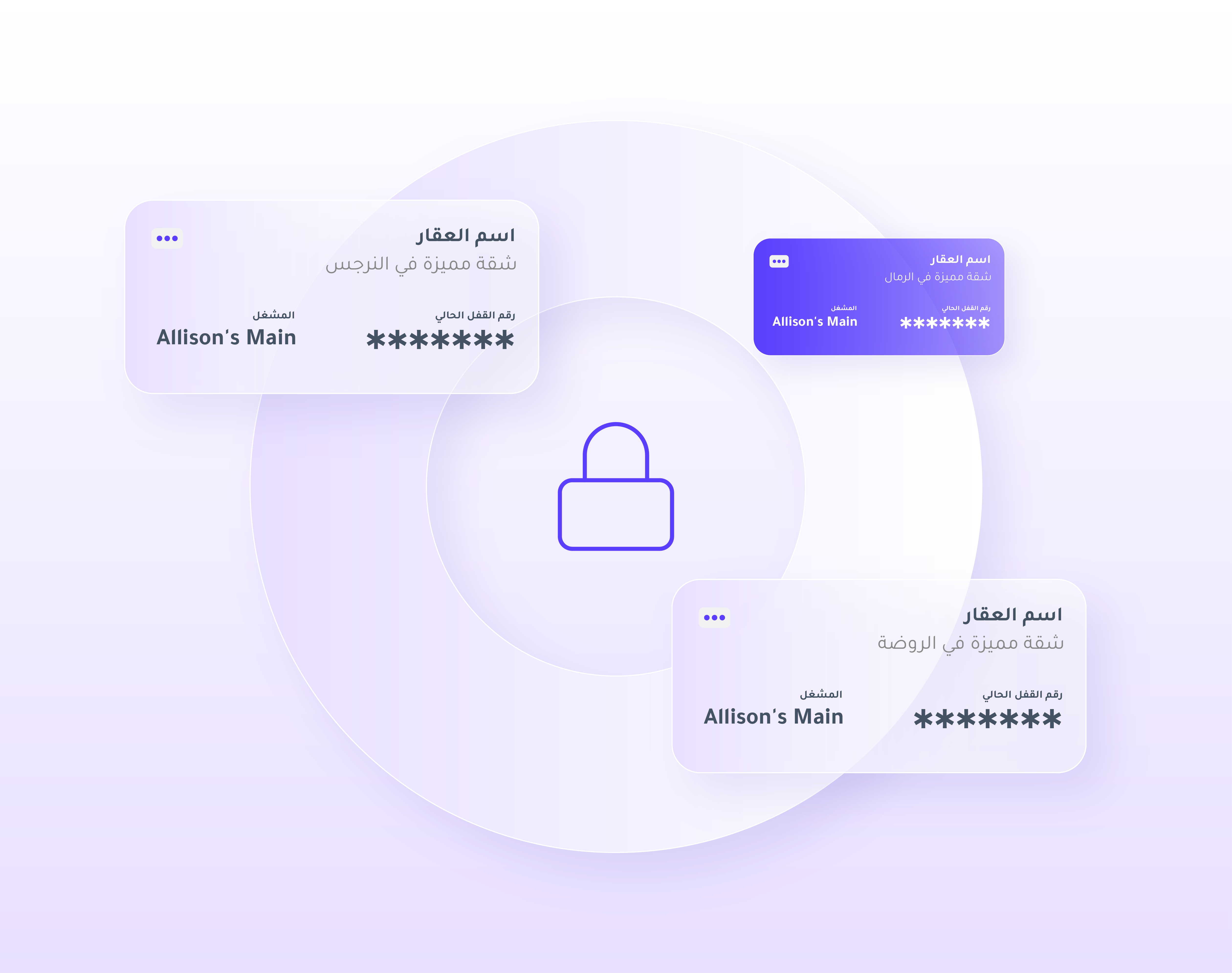
What is Locks Management?
The Locks Management section allows you to connect TTlock smart locks with the Msool platform, enabling fully automated access control for your properties.
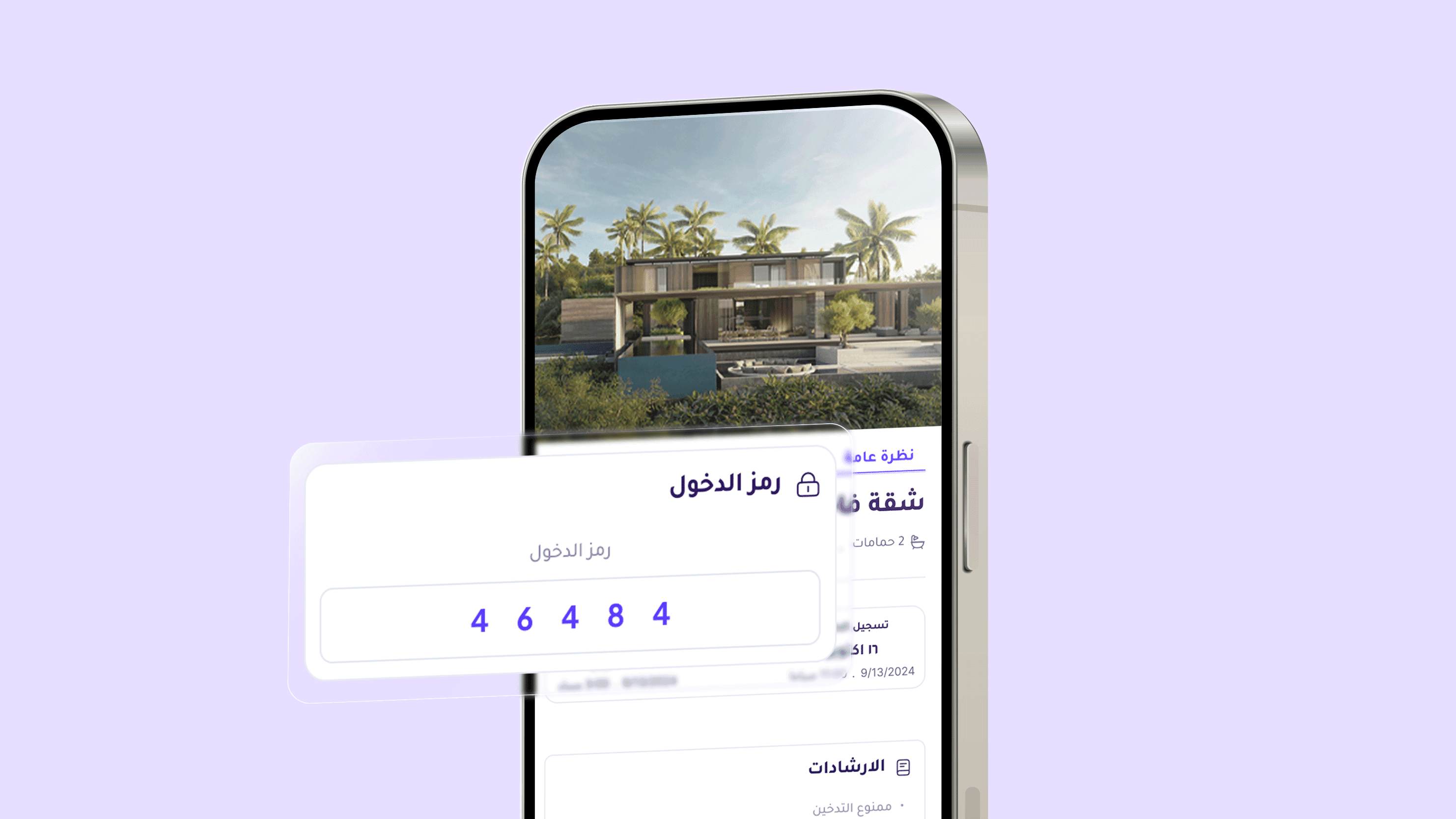
Each property is assigned one smart lock, and a unique passkey is automatically generated for each guest upon booking.
Benefits of Locks Management
This feature provides high security and flexibility for property owners while ensuring a smooth experience for guests.
Everything is automated:
From generating the access code, to sending it, to deactivating it after check-out —
saving time and eliminating manual errors.
Steps to Connect a Smart Lock
From the sidebar in the dashboard, select Locks Management.
Click Connect New Lock.
Choose the property you want to link the lock to from the dropdown list.
Select the lock provider — in this case TTlock.
Enter the account details associated with the TTlock app, including:
TTlock account email
TTlock account password
Lock ID
Important Note
Make sure the email and password entered here are the same credentials used in the TTlock app.
If you do not know the Lock ID, you can retrieve it from the TTlock app by following these steps:
Open the TTlock app.
Select the connected lock.
Go to Basic, then Settings.
You will see a code after the “/” symbol. Copy it and paste it into the Lock ID field in Msool.
Example:
If the displayed code is 12345678/11666767, then the Lock ID is 11666767.
After Connecting the Lock
Once connected, all lock-related information will appear directly in the Locks Management page, including:
Lock status (Locked or Unlocked)
Battery level
Lock activation and code expiration time
History of generated codes and their status (Expired / Scheduled / Active)
You can also generate a new access code instantly by clicking Generate Lock Code to renew or update the current code.
Integration with Automation
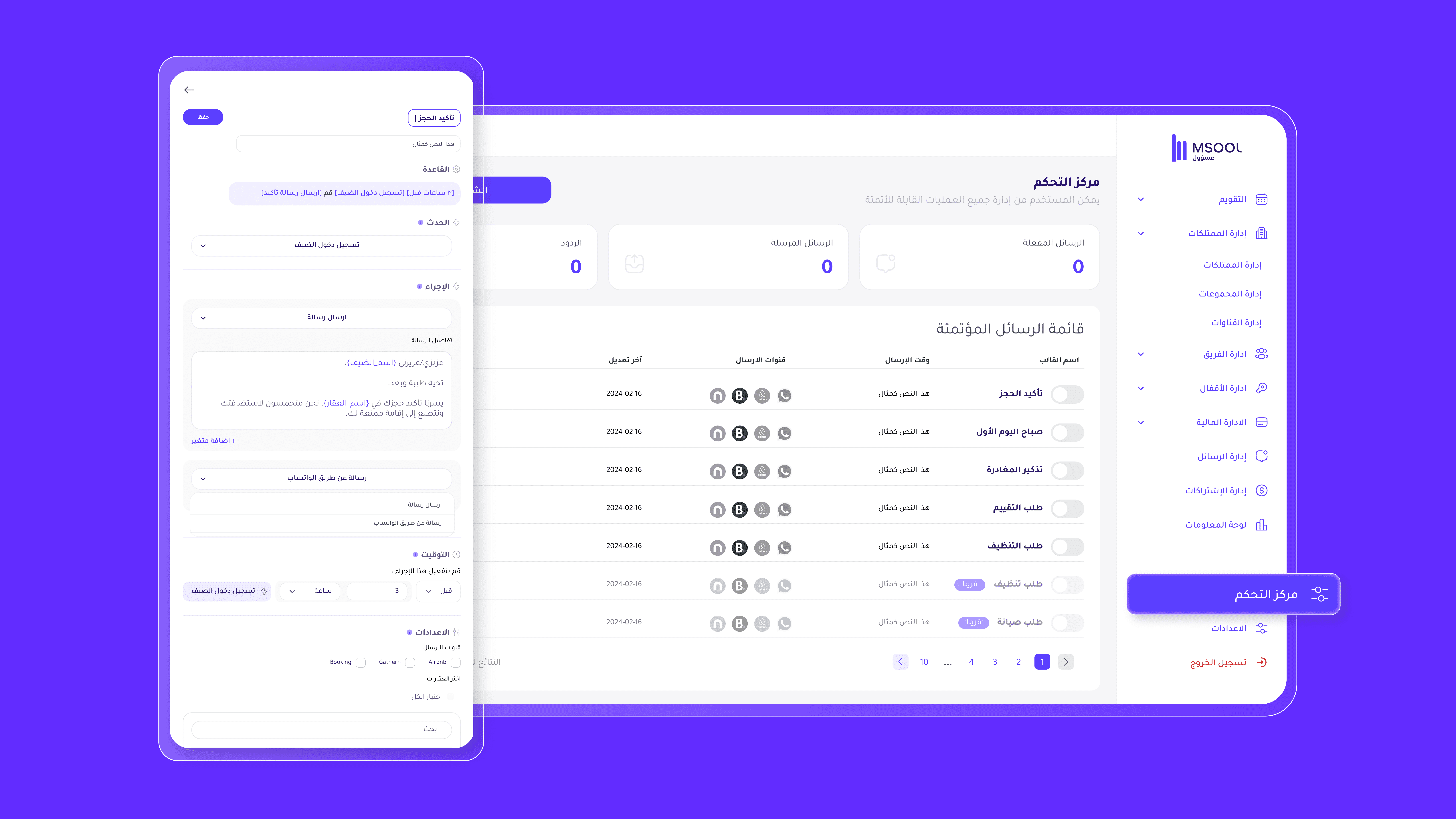
Smart locks are directly integrated with the Automation system in Msool.
When a booking is confirmed, a unique access code is automatically generated and sent to the guest through automated messages.
This ensures seamless check-in and check-out without any manual communication.
Previous post: